
A one-page note for software teams
Replace screenshots with repeatable exports.
Proof-by-default for audit questions.
One-page solutions to common “show me” audit questions — tool-agnostic and copy-pastable.
The claim
Screenshots are accepted as proof, but screenshot-proof is expensive, fragile, and sometimes impossible.
Proof gets requested by real people on a schedule: external auditors, customers and procurement (security questionnaires), internal risk and compliance, security and ISMS owners, and leadership during diligence (enterprise deals, fundraising, M&A).
What “proof” means
Proof is an artifact that can be reproduced later and that answers what happened, when it happened, who did it, and what system it came from.
ISO-style management systems normalized “show me evidence” (ISO 9001 → ISO/IEC 27001). If evidence stands up to an ISO 27001-style audit, it usually carries over to adjacent expectations — for example NIS2.
Rule
If it cannot be re-created next month (same query/export path), it is not good proof.
❌ BAD — audit-week screenshots
Screenshots are taken only when the auditor asks, then pasted into a document with manual explanations. There is no evidence trail between audits, so the team scrambles under time pressure. That’s when errors happen: wrong timeframe, missing context, inconsistent naming.
✅ GOOD — routine screenshots
The same screenshots are captured as part of a weekly/monthly routine and stored as a dated evidence pack. A predictable folder appears each period with the same set of screenshots, labeled with period and owner. Audit week becomes retrieval, not production.
Auditors accept screenshots — but they trust routines.
Why screenshots fail in practice
1. Expensive
Access reviews across many apps mean someone has to visit many admin UIs, take many screenshots, and write an explanation for each one. The cost scales linearly with the number of systems and users.
2. Error-prone
A screenshot shows current state, but the question is usually “state at review time.” If the screenshot is missing tenant, URL, timestamp, or active filter, it is ambiguous — and ambiguous evidence gets rejected or re-requested.
3. Not feasible at volume
Patch status for hundreds of endpoints, or backup success across many workloads, cannot be screenshot. You need an export, a query, or a report — otherwise the answer is incomplete by construction.
Artifact 1 — the list
Evidence Inventory
The single page that says which evidence you keep, where it comes from, and who owns it. If your team can’t name what counts as evidence, you can’t produce it on demand. Copy this table, replace the rows with your systems, keep the columns.
| Evidence item | Source | Owner | Frequency | Export format | Storage location |
|---|---|---|---|---|---|
| User access list (production app) | Identity provider / app admin | Platform owner | Monthly | CSV export | Evidence/YYYY-MM/access/ |
| Admin / privileged role members | IAM console | Security lead | Monthly | CSV + signed PDF | Evidence/YYYY-MM/access/ |
| MFA enrollment status | Identity provider | IT admin | Monthly | CSV export | Evidence/YYYY-MM/access/ |
| Patch / OS version status | MDM / endpoint manager | IT admin | Monthly | CSV export | Evidence/YYYY-MM/endpoints/ |
| Backup job results | Backup tool | Ops lead | Weekly | CSV / job report | Evidence/YYYY-MM/backups/ |
| Restore test record | Backup tool + ticket | Ops lead | Quarterly | PDF + ticket link | Evidence/YYYY-Qn/restore/ |
| Production change records | Git / deploy log | Engineering lead | Continuous → exported monthly | CSV / JSON | Evidence/YYYY-MM/changes/ |
| Vulnerability scan results | Scanner | Security lead | Monthly | CSV / PDF | Evidence/YYYY-MM/vuln/ |
| Risk register snapshot | Risk register | ISMS owner | Monthly | PDF export | Evidence/YYYY-MM/risk/ |
| Incident register snapshot | Ticketing system | Security lead | Monthly | CSV export | Evidence/YYYY-MM/incidents/ |
| Supplier list + review status | Vendor inventory | Procurement / ISMS | Quarterly | CSV export | Evidence/YYYY-Qn/suppliers/ |
Artifact 2 — the routine
Monthly Evidence Export
The list above is useless without a routine that produces the artifacts on a schedule. This is the loop: ten steps, tool-agnostic, doable in one sitting. Run it monthly and audit week becomes retrieval, not production.
- 01Open the evidence folder for the current month and create the standard subfolders.
- 02For each row in the inventory, open the source system and run the documented export or query.
- 03Save each export with the naming pattern: {item}_{YYYY-MM}_{owner}.{ext}.
- 04Where the source has no clean export, capture screenshots that include URL, tenant, filter, and a system clock or timestamp.
- 05Record the actor and the export path in a one-line note next to each artifact.
- 06Diff this month against last month for access lists, admins, and suppliers; save the diff alongside the export.
- 07Mark exceptions and known issues in the register, with owner and target date.
- 08Have the owner sign off the folder (checkbox in a tracker is enough).
- 09Lock the folder for the period (read-only) so it cannot be edited later.
- 10Link the folder from your evidence index so the next auditor request is one click away.
What we’re cooking
Operationalizing exportable proofs
Open the packaged demo to see how the evidence inventory becomes a repeatable export workflow: choose a book volume, inspect the audit views, and follow the generated proof links.
Forward this
It stands alone. Send it to the person who keeps getting asked for screenshots.
Adapted from
ISO 27001 for Software Companies
A five-volume book series by Messemer Tech
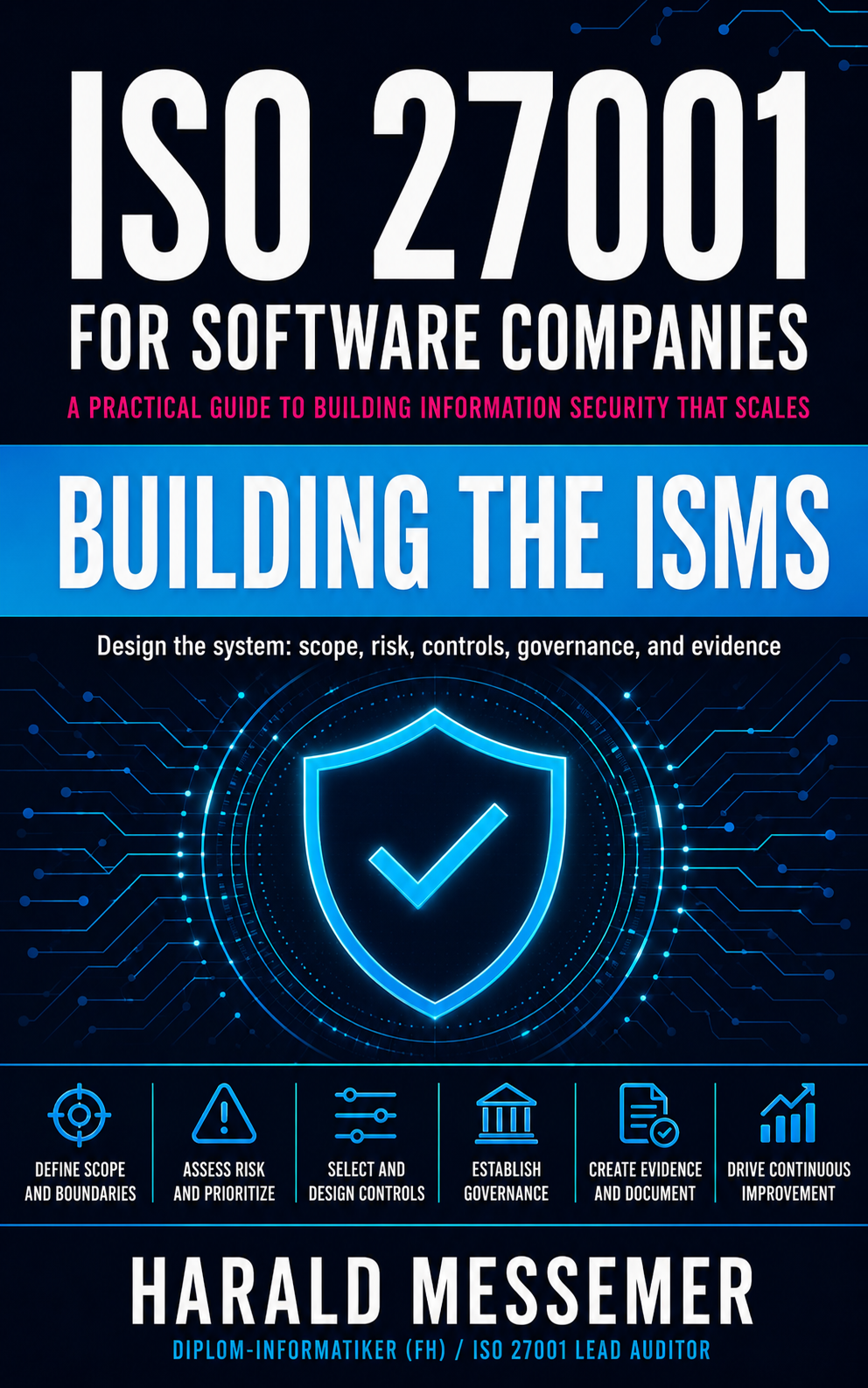
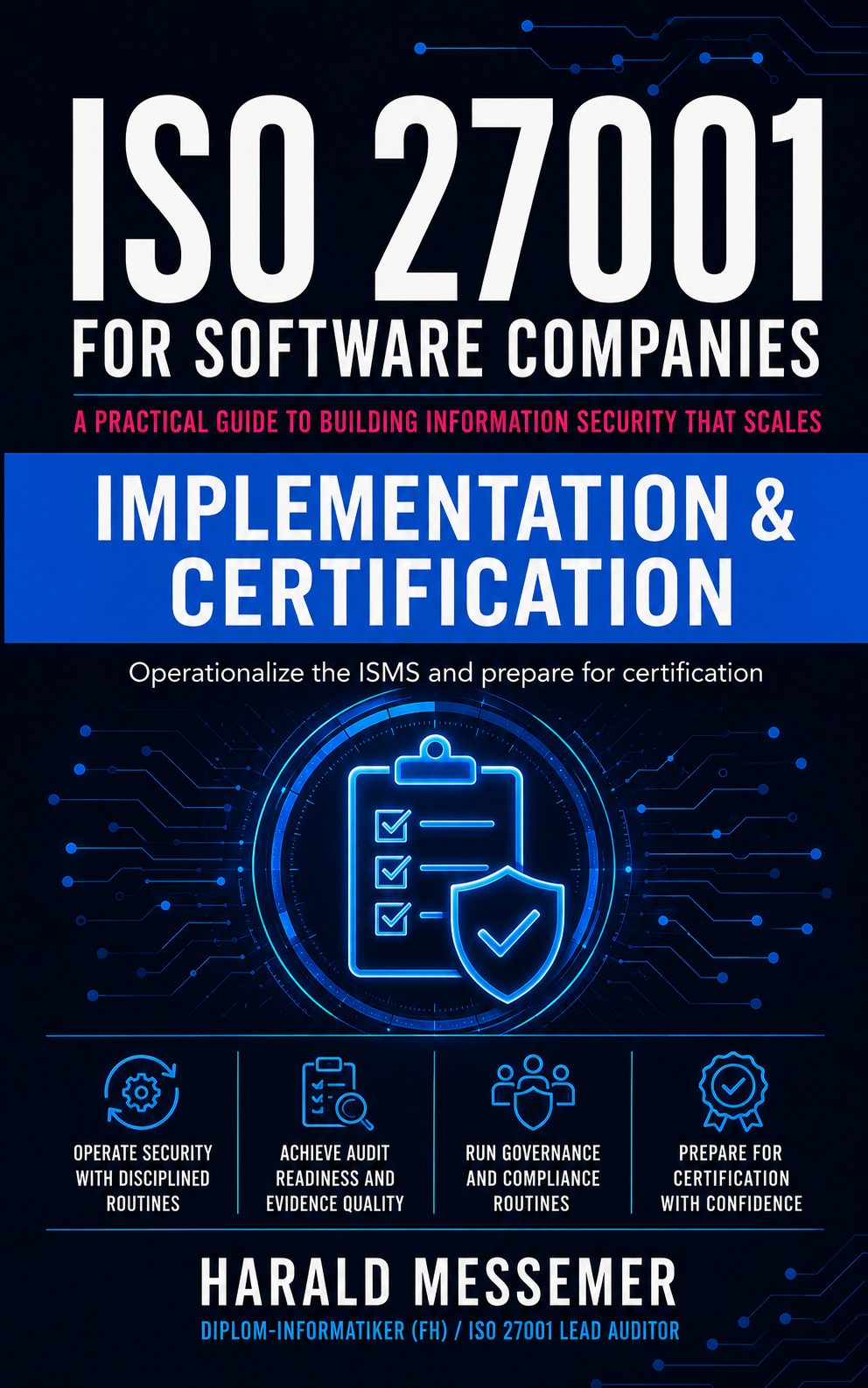
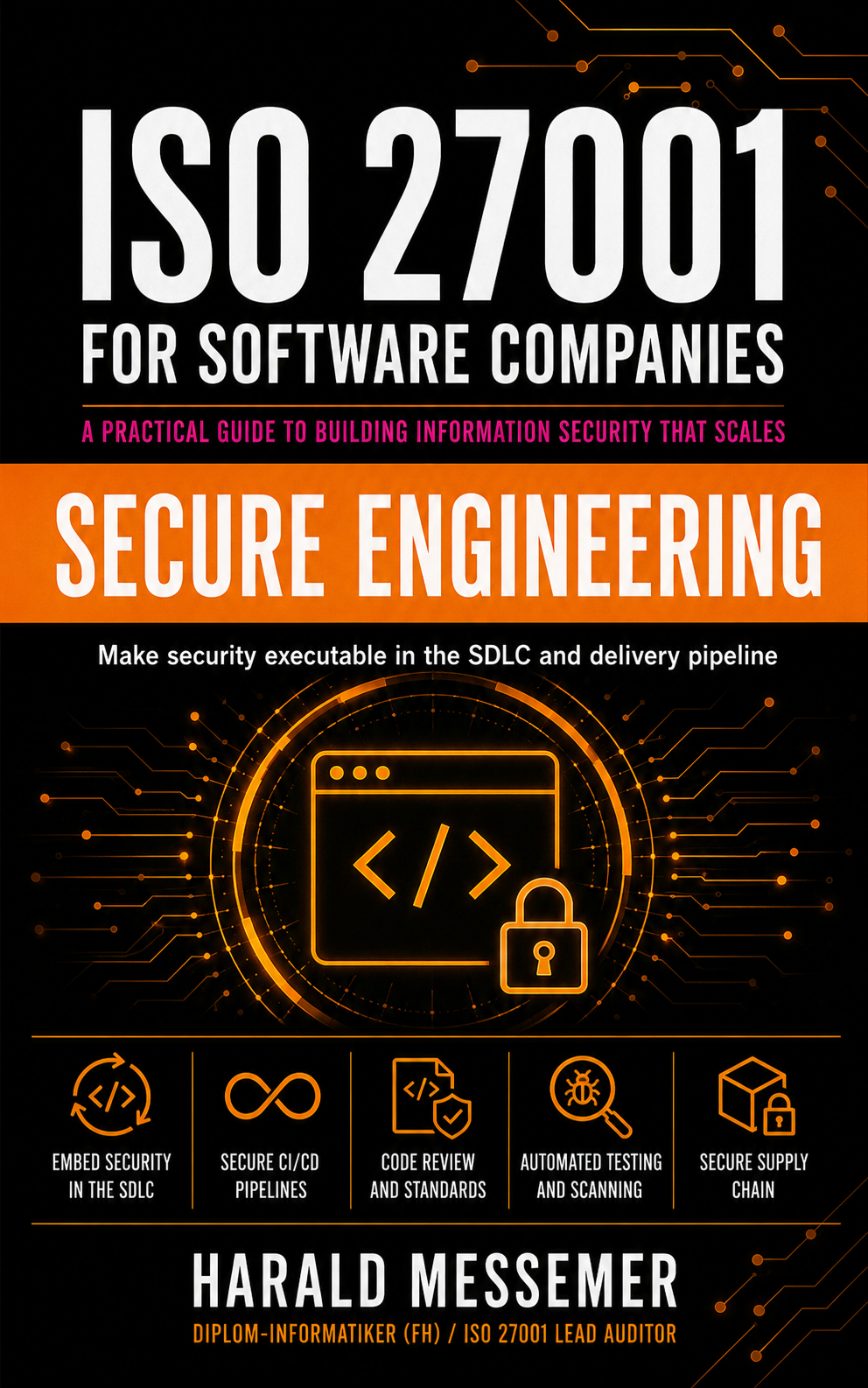
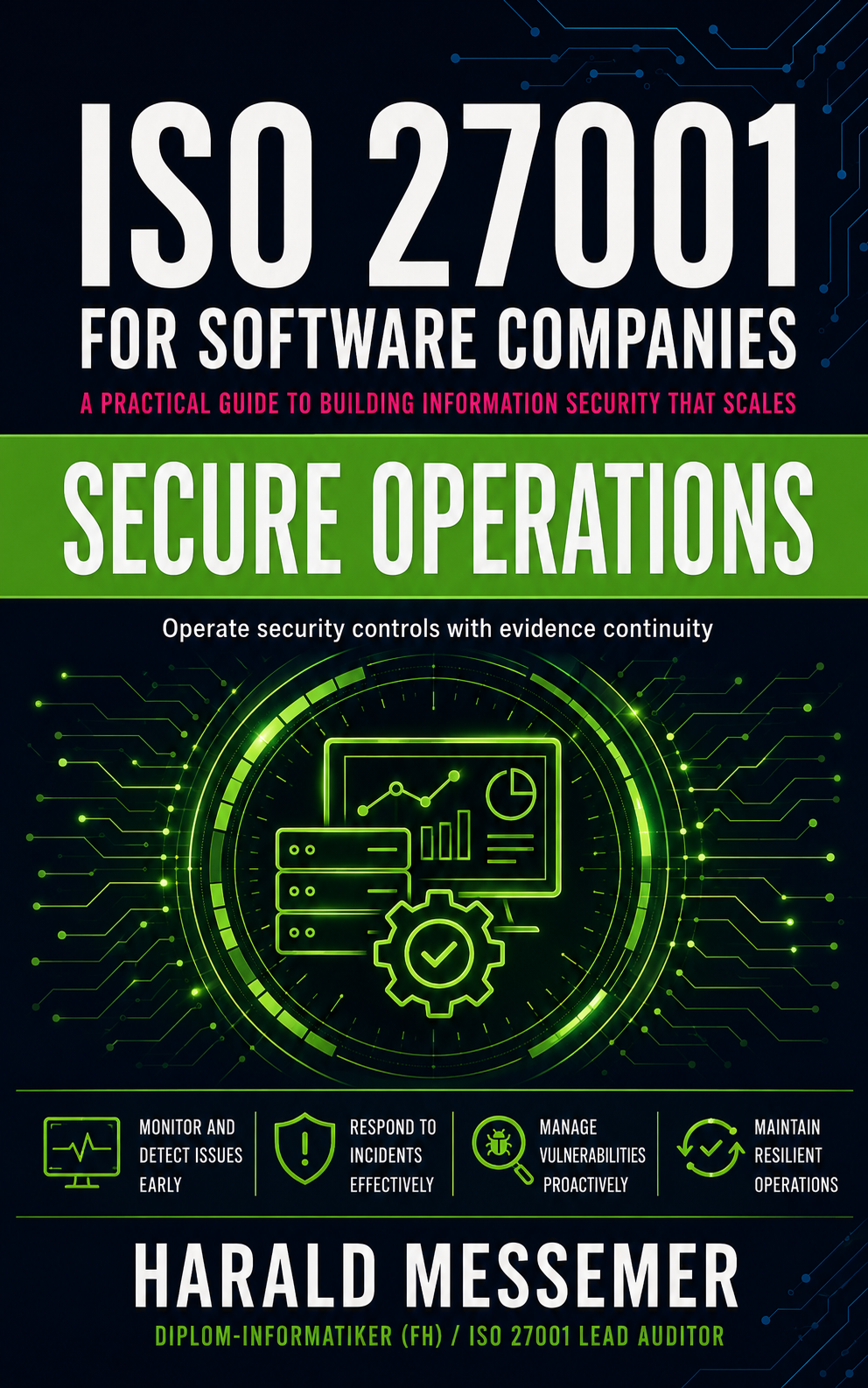
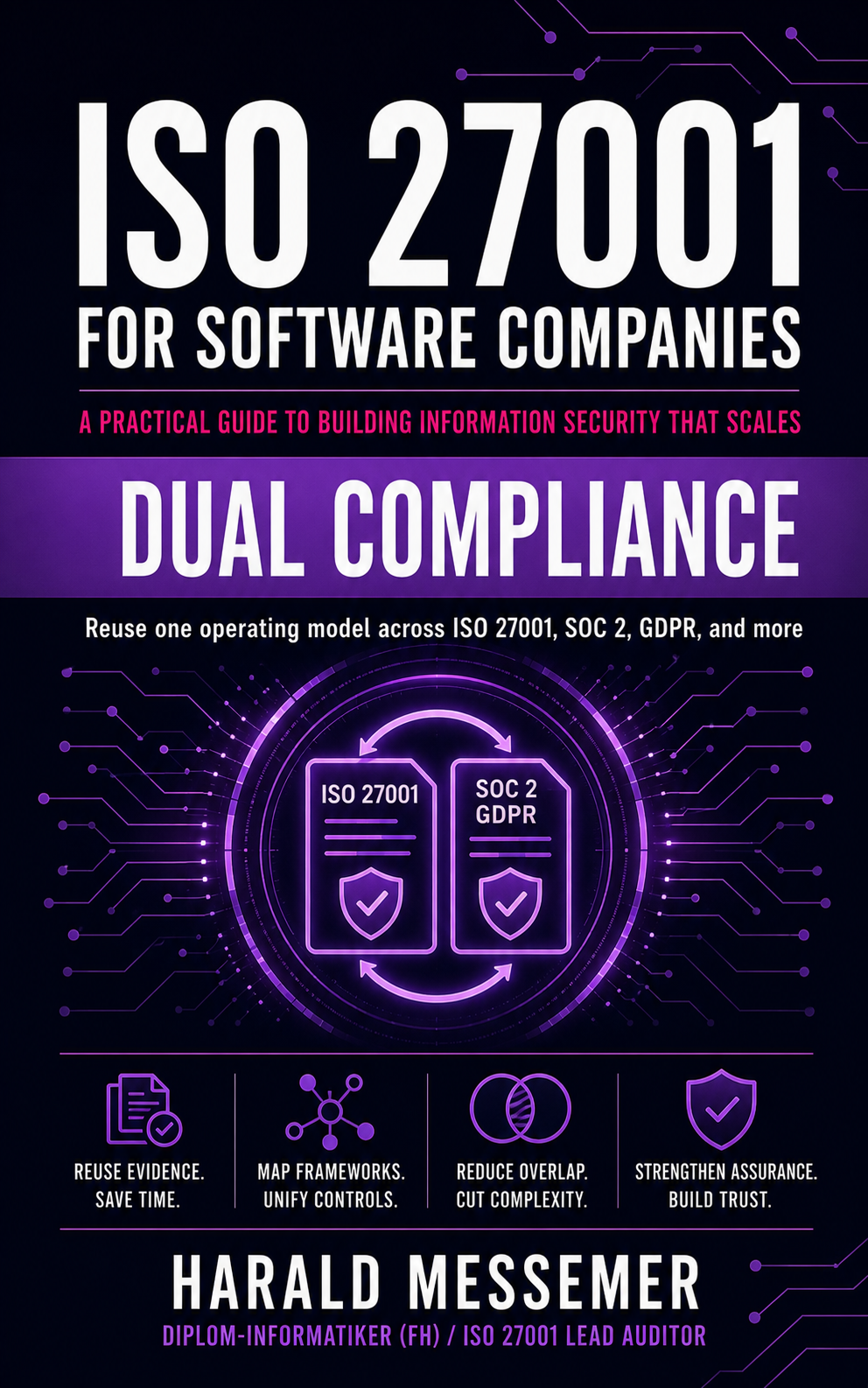
A practitioner’s guide to building and running an ISO/IEC 27001 program in software companies — without compliance theatre.
This site is a documentation companion adapted from the book’s evidence chapter, with permission. The artifacts above are excerpts; the full guide expands them across the rest of the standard.
Companions
Basic, Premium, Ultra
The books explain the decisions, control intent, implementation logic and audit expectations. The companions are the working layer: three cumulative levels that turn that guidance into a structured implementation system.
Basic
Selected starting assets
16 curated artifacts per volume — selected editable registers, templates, checklists and working aids to move from understanding the framework to starting your own implementation.
Premium
Implementation layer
The complete Basic Companion plus deeper, editable templates, registers, checklists, workflows, mappings and evidence-support assets. Premium ships as two separate ZIP archives: Basic and Premium.
Ultra
Machine-readable layer
The complete Premium Companion plus the volume-specific JSON/OSCAL contracts, artifact mappings, validation rules, scenarios and executable examples for validation, simulation and programmatic workflows. Delivered per volume.
The tiers are cumulative: Premium contains Basic, and Ultra contains Premium. All human-readable artifacts are editable DOCX or XLSX — 211 curated artifacts across the five volumes (50 / 48 / 43 / 36 / 34 per volume).